WordPress Fundamentals·
The Social CMS: Collaborative Editing and Real-Time Workflows in WordPress 7.1

Karl Esi
WordPress Engineer & Founder·WP Stability
Breaking the Solo Content Model
For two decades, WordPress was largely a "one person at a time" platform. If one editor was working on a post, another would see the dreaded "This post is already being edited" warning. In 2026, those days are officially behind us. With the launch of WordPress 7.1, the focus has shifted entirely to Phase 3 of the Gutenberg roadmap: Collaboration.
The dashboard has evolved from a simple management interface into a real-time collaborative workspace. This shift is fundamental for modern brands that require high-speed content production and multi-departmental approval workflows. Embracing WordPress 7.1 Collaborative Editing and Real-Time Workflows is no longer a luxury; it is the new standard for digital teams.
The Problem: The Bottleneck of Serial Editing
Before 7.1, content workflows were serial. An author would write, a designer would later add images, and an editor would finally review. This created massive bottlenecks. If an agency was managing a site, Agency and Client WordPress Site Management Strategy 2026 often involved complex external tools just to manage the "pre-publish" phase.
This disconnection led to version control issues, lost changes, and endless email chains. By bringing collaboration directly into the core, WordPress is eliminating the friction between a draft and a live page.

Deep Dive: The Collaborative Features of 7.1
1. Real-Time Co-editing
Similar to Google Docs, WordPress 7.1 allows multiple users to work within the same block editor simultaneously. You can see the cursors of your teammates, watch as they adjust image placements, and see text being refined in real-time. This is supported by a robust WordPress Performance Optimization and Core Web Vitals backend that ensures the syncing process doesn't slow down the browser.
2. Block-Level Commenting and Feedback
No more screenshots and Slack messages. You can now leave comments on specific blocks for your team to review. Need a designer to swap a photo? Just tag them in a block comment. This keeps the entire history of a post's evolution within the database, making WordPress Backups and Disaster Recovery Strategy even more important as it now preserves the "editorial trail."
3. Integrated Publishing Workflows
7.1 introduces native "Publishing Requirements." You can set rules that prevent a post from going live until it meets certain criteria—such as having an SEO title, a featured image, or a specific user's approval. This is a game changer for WordPress Maintenance for Legal and Accounting Firms where accuracy and compliance are mandatory.
4. Shared Style Libraries
Designers can now create and manage global "Style Variations" that are instantly available to authors. This ensures brand consistency across the board. If a brand changes its primary color, the update can be pushed to the library and reflected across all collaborative drafts automatically.
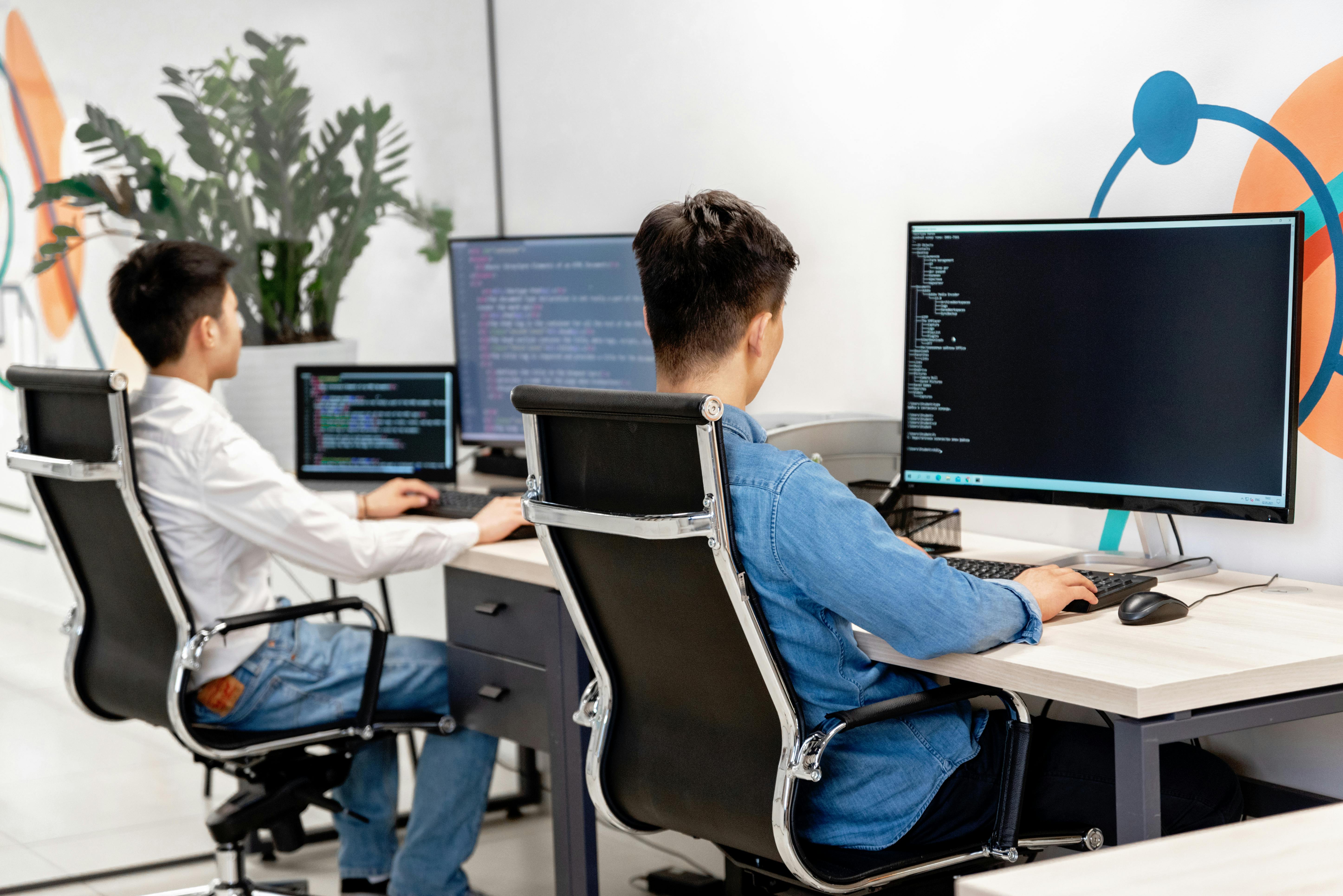
The Technical Reality of Real-Time WordPress
Running a collaborative environment puts a different kind of stress on your server. Unlike static page views, real-time editing requires frequent, small updates via the REST API or WebSockets.
- Advanced Object Caching: To keep the UI snappy during co-editing, Redis or Memcached is essential.
- REST API Optimization: Every "keystroke" update must be processed instantly. Professional Technical SEO for WordPress Optimization now includes ensuring your API endpoints are as fast as your frontend.
- Revision Management: With multiple people editing, the number of post revisions can skyrocket. A strict WordPress Maintenance Checklist 2026 is needed to prune these and keep the database lean.
Common Collaborative Pitfalls
'Too Many Cooks' Syndrome
Real-time editing is powerful but can be chaotic without clear roles. We recommend using the new 7.1 "Locking" feature for specific blocks that should only be edited by certain departments (e.g., locking the legal footer while allowing content edits).
Ignoring the Server Load
If your agency is hosting 20 clients who are all co-editing at the same time, a basic VPS will likely struggle. You need Scaling WordPress for Viral Traffic Spikes 2026 infrastructure to support the backend overhead of real-time syncing.
Neglecting User Permissions
In a collaborative world, "Administrator" access should be rarer than ever. 7.1 offers more granular roles; use them to ensure people only have access to the blocks and tools they actually need.

How WP Stability Prepares Your Team for 7.1
At WP Stability, we don't just keep your site online; we ensure your workflow is optimized for the latest core features. We specialize in the server-side configuration required to make real-time collaboration seamless. We handle the API tuning, the object caching, and the database management so your team can focus on creating together.
As WordPress 7.1 becomes the new standard, we provide the training and technical support to move your team from old, siloed workflows into the modern, collaborative era. Our WordPress Maintenance & Support plans are designed to scale with your team's ambitions.
Real-World Case Study: The Multi-City Newsroom
A digital magazine with writers in three different time zones was struggling with "edit conflicts" and slow internal communication. By upgrading them to a 7.1-ready architecture and implementing real-time co-editing, they reduced their time-to-publish by 40%. Their editors can now give feedback directly on the draft while the author is still writing, creating a "live" newsroom environment that wasn't possible before.
Action Plan: 3 Steps to Get Collaborative
- Audit Your Roles: Review your current user list and ensure everyone is assigned the most restrictive role possible.
- Test Your API Speed: Ensure your server is optimized for high-frequency REST API calls.
- Modernize Your Hosting: If your site feels sluggish in the backend, move to a provider that supports the high-concurrency needs of 2026.
Closing CTA
WordPress is no longer just a tool for publishing; it is a platform for collaboration. Don't let your team be held back by outdated, siloed workflows.
Is your WordPress site ready for the collaborative revolution? Contact WP Stability today to upgrade your infrastructure and workflow for WordPress 7.1 and beyond.
Share