WordPress Maintenance & Support·
The Critical ROI of Managed WordPress Maintenance: Why DIY is Costing Your Business

Karl Esi
WordPress Engineer & Founder·WP Stability
The Critical ROI of Managed WordPress Maintenance: Why DIY is Costing Your Business
You sit down on a Tuesday morning with your coffee, ready to launch a new marketing campaign or finalize a client proposal. You click over to your website to grab a link, but instead of your homepage, you see a wall of white text on a black screen or a "Critical Error" notification. Your heart sinks. You haven't touched the site in weeks, so why is it broken? This is the reality of the unmanaged WordPress ecosystem: a silent accumulation of technical debt that eventually comes due at the worst possible moment.
For most business owners, WordPress is a tool to reach customers, not a secondary hobby in systems administration. However, the very flexibility that makes WordPress the world’s most popular CMS also makes it a complex engine of moving parts. When those parts—core files, plugins, themes, and server environments—are left to manage themselves, the result is instability.
The Problem: Why Unmanaged WordPress Sites Become Liabilities
An unmanaged WordPress site is like a car that never receives an oil change. It might run perfectly for five thousand miles, but the internal friction is building. In the digital space, this friction manifests as outdated code and security holes. Every day, developers release updates for plugins to patch vulnerabilities or improve compatibility with the latest version of PHP. When you ignore these, you aren't just missing out on features; you are leaving your digital doors unlocked.
Security is often the first casualty of the DIY approach. Hackers rarely target specific small businesses manually. Instead, they use automated bots to crawl the web for known vulnerabilities in outdated plugins. If your site is running a version of a contact form plugin from two years ago, you are a high-value target for a low-effort attack. Once compromised, the cost of recovery—including malware removal, SEO reputation repair, and lost customer trust—far exceeds the cost of preventive care.

The Shift: Moving from DIY Frustration to Professional Stability
Most entrepreneurs start by managing their own sites. It seems simple enough: click the "Update" button in the dashboard and move on. But as a business scales, the stakes change. A 30-minute outage during a high-traffic launch can result in thousands of dollars in lost revenue. This is when the shift happens. Owners realize that their time is better spent on growth and strategy rather than troubleshooting why a CSS update broke their mobile navigation.
Professional WordPress support is not just about clicking buttons. It is about implementing a WordPress Update Compatibility and Staging Workflow that ensures no update ever touches the live site without being tested first. This transition from reactive "fixing" to proactive "maintenance" is what separates hobbyist blogs from professional business assets.
Deep Dive: The Core Pain Points of WordPress Management
To understand why a site becomes unstable, we have to look under the hood at the primary friction points that plague every WordPress installation.
1. Updates and Compatibility
The WordPress core, your theme, and your plugins are all developed by different teams with different priorities. When WordPress releases a major version update, it can conflict with an older plugin. If you update everything at once on your live site, you risk a "White Screen of Death." Professional maintenance involves auditing these updates and understanding which ones are critical for security and which ones require a staging environment for testing.
2. Security Vulnerabilities
Malware doesn't always break your site. Sometimes, it sits quietly in the background, sending spam emails from your server or redirecting your mobile traffic to suspicious gambling sites. By the time you notice, Google may have already blacklisted your domain. A robust WordPress Malware Removal and Security Hardening Guide approach involves proactive scanning, firewall configuration, and file integrity monitoring to stop threats before they take root.
3. Performance Bottlenecks
A slow site is a leaky bucket for your marketing spend. As you add images, tracking scripts, and new plugins, your database bloats and your load times creep up. Improving performance is not just about installing a caching plugin; it requires optimizing database queries, implementing lazy loading correctly, and ensuring your hosting environment is tuned for WordPress.
4. Plugin and Theme Conflicts
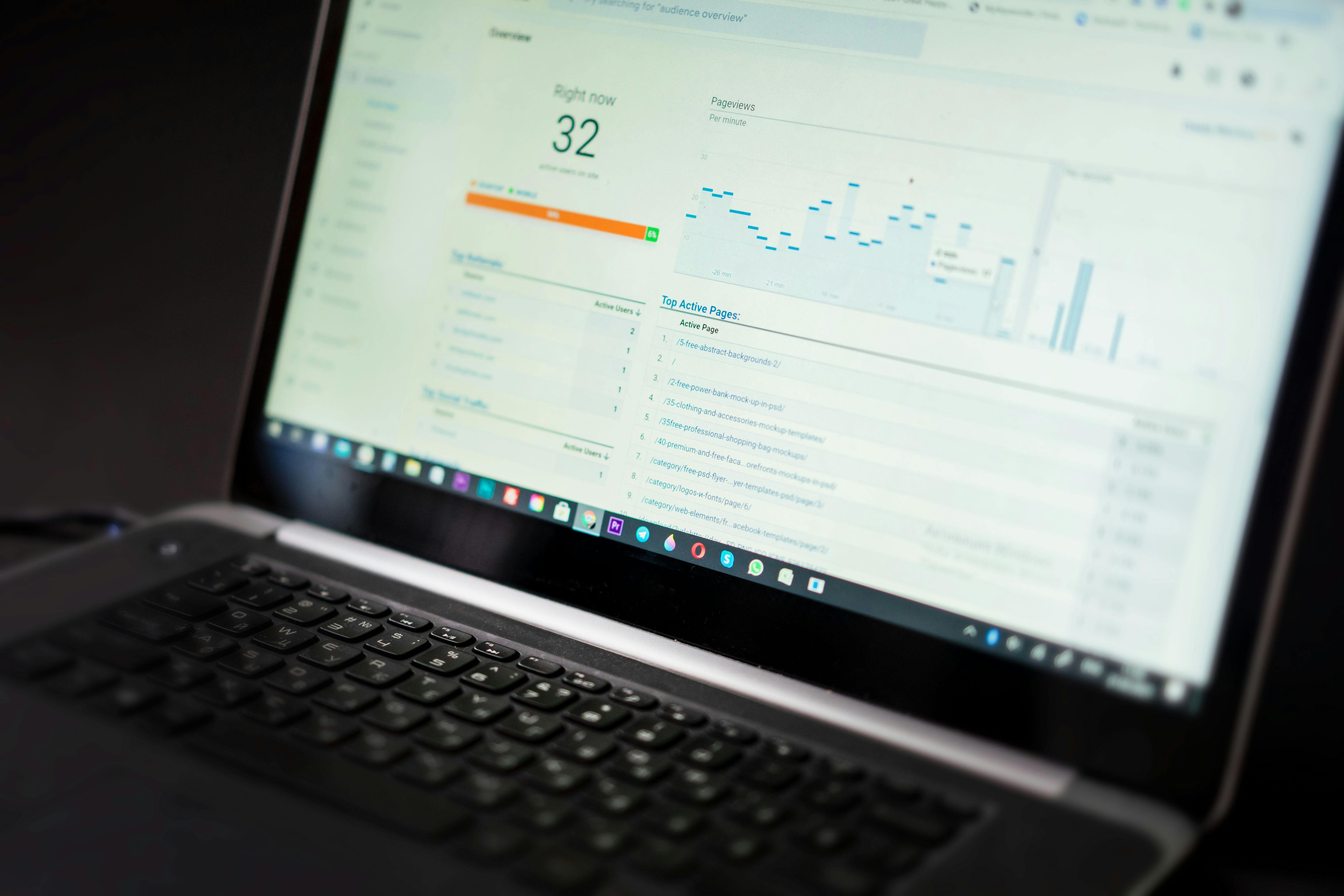
The "too many plugins" myth is partially true. It isn't the number of plugins that matters as much as the quality of the code and how they interact. Two plugins might work perfectly on their own but cause a fatal error when active at the same time. Identifying these conflicts requires specialized debugging tools and a deep understanding of the WordPress hook system.
5. Backups and Recovery
Many site owners rely on their hosting provider's "daily backups." Unfortunately, those backups are often stored on the same server as the website. If the server fails or the account is compromised, the backup is lost too. A professional WordPress Backups and Disaster Recovery Strategy involves off-site, redundant backups that can be restored in minutes, not hours.
Key Benefits of Professional Management and Real Results
When you move to a professional support model, the benefits are immediate and measurable. You aren't just paying for "updates"; you are buying an insurance policy for your online presence.
- Reduced Downtime: Proactive monitoring means that if your site goes down, a technician is often working on it before you even realize there is a problem.
- Faster Load Times: Regular optimization ensures that your Core Web Vitals remain in the green, which directly impacts your SEO rankings and conversion rates.
- Fewer Emergencies: When code is kept clean and updates are managed, the "random" errors that disrupt your workday virtually disappear.
- Peace of Mind: Knowing that an expert is watching your site allows you to focus 100% of your energy on your business.
Common Mistakes Site Owners Make
Even well-intentioned owners fall into traps that compromise their site's health. One of the most common is ignoring updates because of fear. Owners who have been burned by a bad update in the past often stop updating altogether. This creates a massive security debt.
Another mistake is using too many plugins for simple tasks. If you can achieve a feature with a small snippet of code or a more robust "all-in-one" solution, that is always preferable to adding ten micro-plugins that each add their own CSS and JS files to your header.
Finally, many owners wait until the site breaks to seek help. This is the most expensive way to manage a website. Emergency "fix-it" fees are always higher than the cost of a steady maintenance plan. Furthermore, if the site is down for two days while you find a freelancer, the lost revenue and SEO damage are far more costly than the monthly fee of a support partner.

Pro Tips and Best Practices from the Field
As we look toward the future of the web, the requirements for a healthy WordPress site are becoming more stringent. Here are several "senior-level" practices you should be aware of:
Establish a Maintenance Schedule
Maintenance shouldn't be random. You should have a weekly cadence for updates, a monthly cadence for database optimization, and a quarterly cadence for a full security audit. This consistency prevents the "piling on" effect of technical issues.
Security Hardening Basics
Beyond plugins, you should implement server-level security. This includes using the latest PHP versions, enforcing strong password policies, and disabling file editing within the WordPress dashboard to prevent a compromised admin account from injecting malicious code.
Performance Monitoring
Don't just check your site speed once and forget it. Use automated tools to monitor your "Time to First Byte" (TTFB) and "Largest Contentful Paint" (LCP) daily. Sudden spikes in these metrics are often the first sign of a plugin conflict or a server-side resource issue.
How WP Stability Solves the WordPress Burden
This is where the theoretical meets the practical. You need a partner that understands the nuances of the WordPress ecosystem. We don't just "fix things when they break." We provide a comprehensive ecosystem of support that covers every pillar of site health.
By integrating directly into your workflow, we become your outsourced technical department. Whether it is a routine core update or a complex WooCommerce checkout issue, we handle the technical heavy lifting so you don't have to. Our focus is on long-term stability, ensuring that your site remains a high-performing asset that grows alongside your business.
Real-World Use Case: The E-commerce Recovery
Imagine a WooCommerce store doing $50,000 in monthly revenue. During a seasonal sale, the checkout page begins to hang for 10 seconds. Customers are abandoning carts, and the support inbox is exploding. The owner spends four hours trying to deactivate plugins, making the site look broken and unprofessional in the process.
When a professional team steps in, they immediately identify a database lock issue caused by a poorly optimized shipping plugin. By rolling back the specific plugin and implementing a database optimization script, the site is back to full speed in under 30 minutes. More importantly, the team then sets up a staging environment so that the shipping plugin can be properly replaced without ever affecting the live customers again. This is the difference between a panicked DIY fix and professional stability.

Action Plan: Steps You Can Take Today
If your WordPress site feels like a ticking time bomb, you don't have to fix everything in one hour. Follow this logical progression:
- Audit Your Plugins: Go through your list and delete anything you aren't actively using. Inactive plugins are still a security risk.
- Verify Your Backups: Log in to your backup provider and actually try to download a file. If you can't access it easily, your backup doesn't exist.
- Check Your Site Speed: Use a tool like PageSpeed Insights. If your mobile score is below 50, you are losing money.
- Secure Your Login: Enable Two-Factor Authentication (2FA) for all administrator accounts immediately.
- Stop DIY-ing Technical Debt: Evaluate how many hours you spent last month "fiddling" with your website. Multiply that by your hourly rate. If that number is higher than a professional maintenance plan, it is time to outsource.
Closing Thoughts
Your website is often the first and most frequent point of contact between you and your customers. Treating it as an afterthought is a risk that modern businesses cannot afford. Between the evolving landscape of cybersecurity threats and the increasing demands of search engines for high-performance sites, the "set it and forget it" era of WordPress is over.
Proactive management is the only way to ensure that your site remains an asset rather than a liability. By moving to a managed model, you reclaim your time and protect your investment.
If you are tired of fighting with plugin conflicts, slow load times, or the constant fear of a hacked site, it is time for a professional approach. Contact WP Stability today to learn how we can take the technical weight off your shoulders and keep your WordPress site fast, secure, and perfectly stable.
Share
Related posts
WordPress Maintenance & Support
Why Your WordPress Site is a Ticking Time Bomb (And How to Defuse It)
WordPress Maintenance & Support
The Ultimate WordPress Maintenance Checklist: Essential Tasks for 2026
WordPress Maintenance & Support