WordPress Maintenance & Support·
The Midnight Notification: Why Your WordPress Site is a Ticking Time Bomb

Karl Esi
WordPress Engineer & Founder·WP Stability
The Midnight Notification: Why Your WordPress Site is a Ticking Time Bomb
It starts with a simple email notification or a frantic message from a client. You click your URL, expecting to see your homepage, but instead, you are met with a blank white screen or a "Critical Error" message. The sinking feeling in your stomach is universal among business owners who treat WordPress maintenance as an afterthought. You realize that while you were focused on growth, your site’s foundation was quietly eroding.
For most, the initial response is to DIY a fix. You search forums, toggle plugins on and off, and pray that a simple refresh solves the issue. But as the minutes turn into hours of lost revenue and tarnished brand reputation, the reality sets in: WordPress is a sophisticated engine that requires high-octane maintenance, not just occasional patchwork.
The High Cost of the "Set It and Forget It" Mentality
WordPress powers over 40% of the web because of its flexibility, but that same flexibility creates a complex web of dependencies. When you ignore updates or skip security audits, you aren't just saving time; you are accumulating technical debt. This debt eventually comes due in the form of site crashes, data breaches, or a catastrophic drop in search engine rankings.
Unmanaged sites become unstable because the environment they live in is constantly changing. PHP versions are upgraded by hosts, browsers evolve, and hackers release new automated bots to scan for vulnerabilities. Without a proactive strategy, you are essentially driving a car that hasn't had an oil change in three years. It might run today, but it won't run forever.
The Shift: From Reactive Panic to Proactive Performance
There is a specific moment when a business owner stops viewing WordPress support as a cost and starts seeing it as an insurance policy. This shift usually happens after the first major outage or a malware infection that costs thousands to remediate. The realization is simple: your time is better spent on your business than on debugging a CSS conflict at 2 AM.
Professional support moves the needle from "fixing things when they break" to "ensuring they never break in the first place." It is the transition from being a reactive firefighter to a proactive architect of your digital presence.

Deep Dive: The Six Pillars of WordPress Stability
1. Updates and Compatibility Management
The "Update All" button is the most dangerous feature in the WordPress dashboard for the uninitiated. A single plugin update can conflict with your theme or a specific version of PHP, taking your entire site offline. A professional workflow involves testing updates in a staging environment first. This ensures that WordPress Update Compatibility and Staging Workflow practices are followed, protecting the live site from unexpected downtime.
2. Security Vulnerabilities and Hardening
WordPress is a prime target for attacks not because it is inherently insecure, but because it is popular. Most breaches occur through outdated plugins or weak login credentials. Beyond just installing a security plugin, true hardening involves server-level firewalls, file integrity monitoring, and regular database cleaning. Understanding the nuances of a WordPress Malware Removal and Security Hardening Guide can be the difference between a secure site and a blacklisted domain.
3. Performance Bottlenecks and Core Web Vitals
A slow site kills conversions. Google’s Core Web Vitals have made site speed a non-negotiable factor for SEO. Performance isn't just about caching; it's about database optimization, script minification, and efficient asset loading. If your site takes more than three seconds to load, you are losing more than half of your mobile traffic before they even see your offer.
4. Plugin and Theme Conflicts
The beauty of WordPress is the ecosystem of over 50,000 plugins. The curse is that many of them do not play well together. Over time, "plugin bloat" slows down the admin dashboard and creates "ghost bugs" that are notoriously difficult to track. Professional maintenance involves auditing these tools to ensure they are necessary, lightweight, and regularly maintained by their developers.
5. Backups and Disaster Recovery
A backup is only as good as its last successful restore. Many site owners rely on their host’s automated backups, only to find the files are corrupted or incomplete when they actually need them. A robust WordPress Backups and Disaster Recovery Strategy involves off-site storage, daily snapshots, and regular "fire drills" to verify that the site can be restored in minutes, not days.
6. Hosting Limitations and Environment Scaling
As your traffic grows, your $5-a-month shared hosting plan will eventually fail. You’ll experience 504 Gateway Timeouts and slow database queries. Knowing when to migrate and how to handle the move is critical for scaling. Moving a large site requires precision to avoid SEO loss and email downtime.
Key Benefits of Professional Maintenance
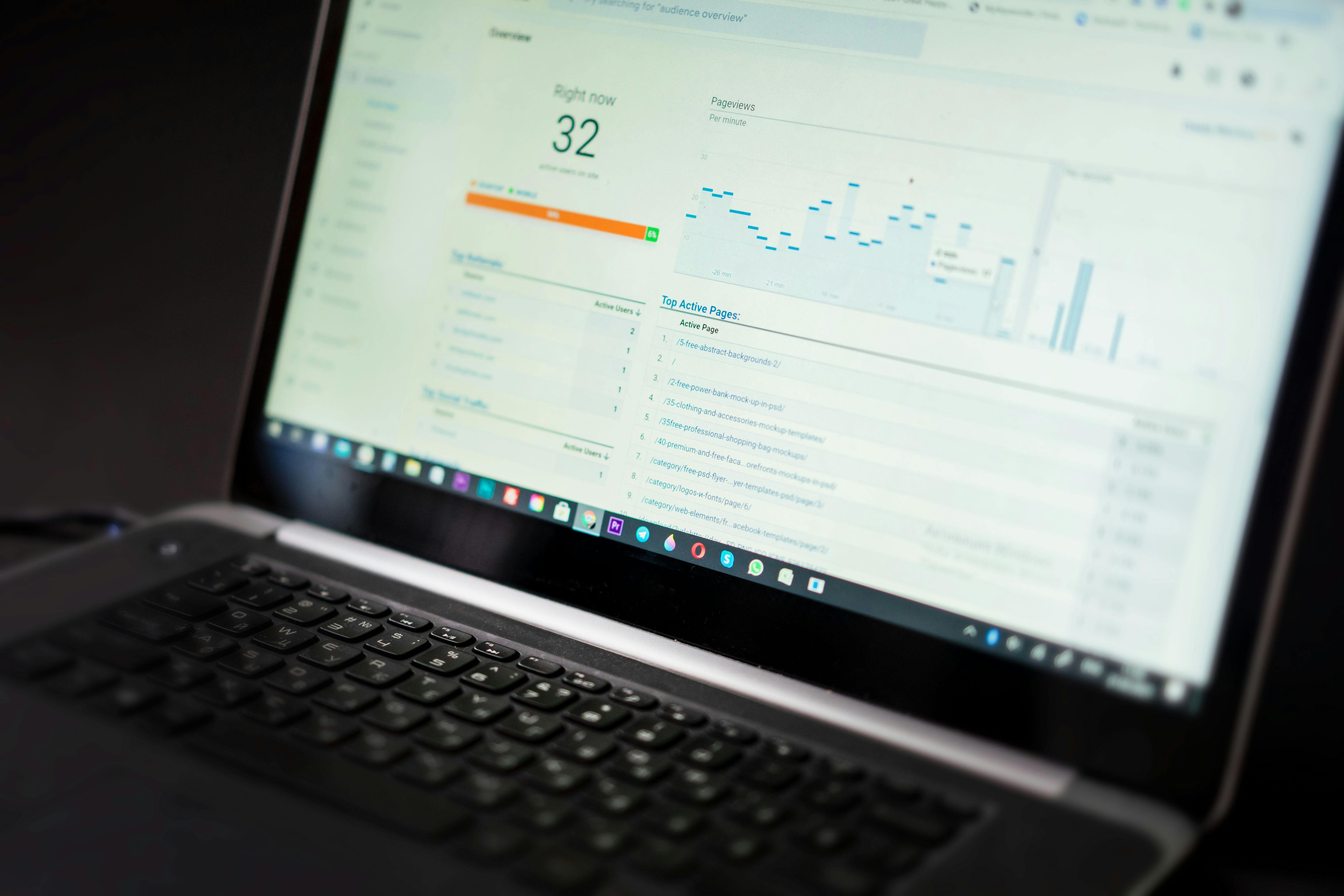
When you delegate the technical heavy lifting, the results are measurable. First, you see a significant reduction in downtime. Constant monitoring means that if a site does go down, a technician is alerted and working on the fix before you or your customers even notice.
Second, you gain a massive boost in site speed. Optimized environments lead to better user experiences, which directly correlates to higher conversion rates and lower bounce rates. Finally, you get peace of mind. Knowing that an expert is watching your "digital storefront" 24/7 allows you to focus on high-level strategy rather than technical minutiae.
Common Mistakes Made by WordPress Site Owners
Ignoring the Minor Updates
Small "point" releases often contain critical security patches. Waiting months to batch updates is an invitation for hackers to exploit known vulnerabilities that have already been fixed in the latest version.
Using Too Many Plugins
It is tempting to solve every problem with a new plugin. However, every active plugin is a potential entry point for a hack and an extra weight on your site's load time. A "less is more" approach is vital for long-term stability.
Relying Solely on "Automated" Tools
Automation is great, but it lacks context. An automated update tool doesn't know that a specific plugin update will break your custom checkout page. Human oversight is the only way to ensure that updates are successful and functional.
Waiting Until the Site Breaks
The most expensive way to maintain a website is to only call an expert when the site is down. Emergency fixes are always more costly and stressful than preventive maintenance.
Pro Tips for WordPress Longevity
- Establish a Maintenance Schedule: If you are handling things yourself, set a strict weekly window for updates and testing. Never update on a Friday afternoon.
- Security Hardening: Disable file editing within the dashboard and use two-factor authentication for all administrator accounts.
- Performance Monitoring: Use tools like GTmetrix or PageSpeed Insights to keep a baseline of your site’s health. If you see a sudden dip, investigate your latest changes immediately.
- Database Hygiene: Regularly delete post revisions, expired transients, and spam comments to keep your database lean and responsive.
Why WP Stability is the Logical Choice
Managing a WordPress site in 2026 requires more than just technical knowledge; it requires constant vigilance. The landscape is shifting toward AI-driven threats and increasingly complex SEO requirements. Trying to keep up with these changes while running a business is a recipe for burnout.
WP Stability was built to bridge this gap. We provide the technical backbone that allows businesses to scale without the fear of their website collapsing under the pressure. Whether it is malware cleanup, performance tuning, or regular monthly maintenance, our team treats your site as if it were our own.
Real-World Case Study: The Stabilized Storefront
Consider a WooCommerce store that was experiencing random checkout failures and slow page loads during peak traffic hours. The owner was spending five hours a week trying to "fix" it by swapping caching plugins.
After onboarding with a professional support plan, the database was optimized, three redundant plugins were replaced with a single custom code snippet, and the site was moved to a high-performance environment. The result? A 40% increase in page load speed and a 15% lift in completed checkouts. The owner reclaimed twenty hours a month of their time, which they used to launch a new product line.
Action Plan: 5 Steps to Secure Your Site Today
- Audit Your Plugins: Deactivate and delete anything you haven't used in the last 30 days.
- Verify Your Backups: Check your backup log. When was the last time you successfully restored a backup to a staging site?
- Check Your PHP Version: Ensure you are running a supported version of PHP (8.1 or higher).
- Monitor Your Uptime: Use a service to alert you the moment your site goes offline.
- Seek Professional Help: If the steps above feel overwhelming, it is time to look into a dedicated support plan.
Conclusion: Protect Your Digital Asset
Your WordPress website is likely your most important marketing tool. Leaving its health to chance is a risk that most businesses cannot afford. By implementing a proactive maintenance strategy, you ensure that your site remains a fast, secure, and reliable asset for years to come.
Don't wait for a critical error to disrupt your business. Secure your site’s future today.
Would you like me to help you get started with a site audit or discuss how WP Stability can take the maintenance burden off your shoulders? Visit WP Stability to learn more about our professional WordPress support and maintenance plans.
Share
Related posts
WordPress Maintenance & Support
The Ultimate WordPress Maintenance Checklist: Essential Tasks for 2026
WordPress Maintenance & Support
The Future of Fleet Management: WordPress Maintenance Trends for 2026
WordPress Maintenance & Support