WordPress Security & Malware·
The Invisible War: Defending Your WordPress Site Against AI-Driven Botnets

Karl Esi
WordPress Engineer & Founder·WP Stability
The New Face of Cybercrime: When the Hackers Use AI
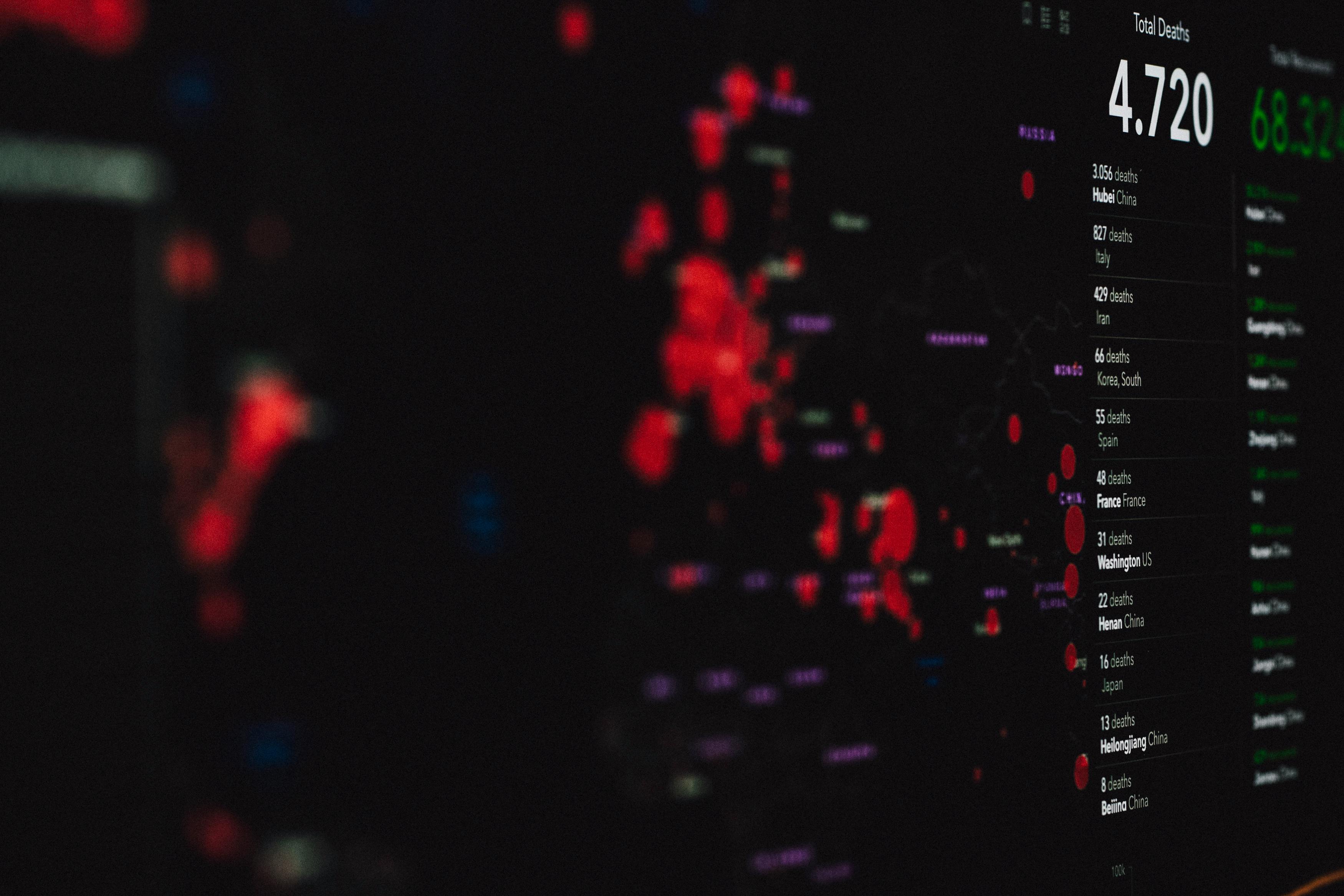
The threats facing your WordPress site in 2026 are fundamentally different from those of just a few years ago. We have moved past the era of manual hacking and simple script kiddies. Today, your site is being probed 24/7 by autonomous, AI-driven botnets. These bots don't just guess passwords; they analyze your site's unique thumbprint, identify specific plugin versions, and even mimic human behavior to bypass traditional firewalls.
If you are relying on a standard security plugin and a strong password, you are bringing a knife to a drone fight. Professional WordPress Security: Defending Against AI-Driven Botnets requires a multi-layered, proactive defense strategy that utilizes the same machine learning technologies the attackers are using.
The Problem: The Failure of Static Defense
Traditional security relies on "signatures"—it looks for known patterns of malicious code. But AI-driven malware is polymorphic; it changes its own code to evade detection. Furthermore, AI botnets use "Low and Slow" attacks, making only a few login attempts per hour from thousands of different IP addresses, which prevents simple rate-limiting tools from being triggered.
By the time a human notices a breach, the AI has likely already established multiple backdoors, scraped your user database, and injected "sleeper" scripts into your WordPress Backups and Disaster Recovery Strategy files.

Deep Dive: Advanced Defenses for 2026
1. Behavioral Analysis and Pattern Recognition
Instead of looking for specific files, modern security tools look at behavior. Does a specific user role suddenly try to access the database directly? Is there an unusual spike in outbound traffic to an unknown server? By establishing a baseline of "normal" site activity, we can flag and block anomalies in real-time.
2. Zero-Trust Architecture
In a zero-trust model, we assume the perimeter has already been breached. We implement strict internal controls, such as "Least Privilege" access for all users and API keys. This ensures that even if a contributor's account is compromised, the damage is contained and cannot reach your core WooCommerce Support and Store Optimization Guide settings.
3. Virtual Patching via WAF
When a new vulnerability is discovered in a popular plugin, it can take days for a patch to be released. AI botnets can exploit these "zero-days" in minutes. A sophisticated Web Application Firewall (WAF) provides "virtual patching" by blocking the exploit attempt at the network edge before it ever reaches your WordPress files.
4. Headless Security (Decoupling the Admin)
For high-value targets, we often move the WordPress admin dashboard to a separate, private URL or hide it behind a VPN. By "obscuring" the entry point, we make it significantly more difficult for automated bots to even begin their attack.
The Evolution of Malware Removal
If a breach does occur, the WordPress Malware Removal and Security Hardening Guide process must be surgical. AI-injected malware often hides in the wp_options table or within legitimate core files using "stealth" techniques.
- Database Sanitization: We don't just clean files; we perform a deep audit of the database to remove malicious transients and hidden admin users.
- Salt Rotation: After any security event, we rotate your WordPress salts to force a global logout, effectively kicking the botnet out of your system.
- Post-Mortem Analysis: We identify the "patient zero"—the exact vulnerability the AI used to gain access—and seal it permanently.
Common Security Mistakes Business Owners Make
Ignoring Minor Plugin Updates
AI bots specifically target sites running plugins that are even one or two versions behind. What looks like a "minor update" often contains a critical security patch.
Using 'Admin' as a Username
It sounds basic, but in 2026, many sites still have a user with the ID "1" and the username "admin." This provides the botnet with 50% of the login credentials they need.
Failing to Monitor API Access
Modern WordPress sites use the REST API to communicate with other services. If this isn't properly secured, it provides a wide-open back door for data scraping.
How WP Stability Defends Your Digital Fortress
At WP Stability, we stay ahead of the AI threat curve. Our security protocols are designed for the 2026 threat landscape. We combine enterprise-grade WAFs with manual code audits and real-time behavioral monitoring. We don't just wait for a "red screen" warning; we actively hunt for threats before they can impact your business.
Our WordPress Maintenance Checklist 2026 ensures that your security posture is constantly evolving to match the sophistication of the attackers.
Real-World Case Study: The Prevented Breach
A mid-sized e-commerce site was targeted by a botnet attempt to brute-force its checkout API. Our behavioral monitoring detected the pattern—thousands of requests originating from residential IP addresses across 40 countries. Our system automatically switched to a "High Security" mode, requiring a managed challenge for all API requests. The attack was neutralized in under two minutes, with zero impact on legitimate customers.
Action Plan: 5 Steps to Harden Your Site Today
- Enable 2FA: Force Two-Factor Authentication for every single user account on your site.
- Audit Your Plugins: Remove anything that hasn't been updated by the developer in the last six months.
- Check Your File Permissions: Ensure your sensitive files like
wp-config.phpare not publicly readable. - Rename Your Login URL: Use a plugin or custom code to change /wp-admin to something unique.
- Get a Professional Audit: If you haven't had a security professional look at your site in a year, you are likely already at risk.
Closing CTA
In 2026, security is not a one-time project; it is a continuous war of attrition. Don't let your business become an easy target for an AI botnet.
Is your WordPress security strong enough for the modern web? Contact WP Stability today for a comprehensive security audit and a proactive defense plan that keeps the hackers out.
Share
Related posts
WordPress Security & Malware
Beyond the Red Screen: A Professional Guide to WordPress Malware Cleanup and Hardening
WordPress Security & Malware
Beyond the Red Screen: A Professional Guide to WordPress Malware Cleanup and Hardening
WordPress Security & Malware