WordPress Performance Optimization·
Speed as a Service: Mastering WordPress Performance and Core Web Vitals

Karl Esi
WordPress Engineer & Founder·WP Stability
The Three-Second Rule: Why Performance is the Ultimate Conversion Killer
In the digital economy of 2026, patience is a vanished virtue. Research consistently shows that if a mobile site takes longer than three seconds to load, over 50% of visitors will bounce. They don't just leave your site; they go straight to your competitor. For a business owner, a slow WordPress site is like having a storefront with a door that is stuck halfway open. Some people will squeeze through, but most will simply walk away.
Beyond user experience, Google has made performance a formal part of its ranking algorithm through Core Web Vitals. If your site is sluggish, you are being penalized in the search results, making your Technical SEO for WordPress Optimization Guide efforts far less effective. Speed is no longer a luxury; it is a fundamental requirement for staying visible online.
The Problem: The Bloated WordPress Ecosystem
WordPress is powerful, but that power often comes with significant "weight." Every theme feature, every plugin script, and every unoptimized image adds to the total payload your visitors must download. Most "out of the box" WordPress installations are not configured for speed. They suffer from render-blocking resources, bloated databases, and inefficient hosting environments that struggle under moderate traffic.
The "quick fix" of installing a caching plugin often masks deeper issues without solving them. True performance optimization requires a surgical approach to how assets are loaded and how the server responds to requests.
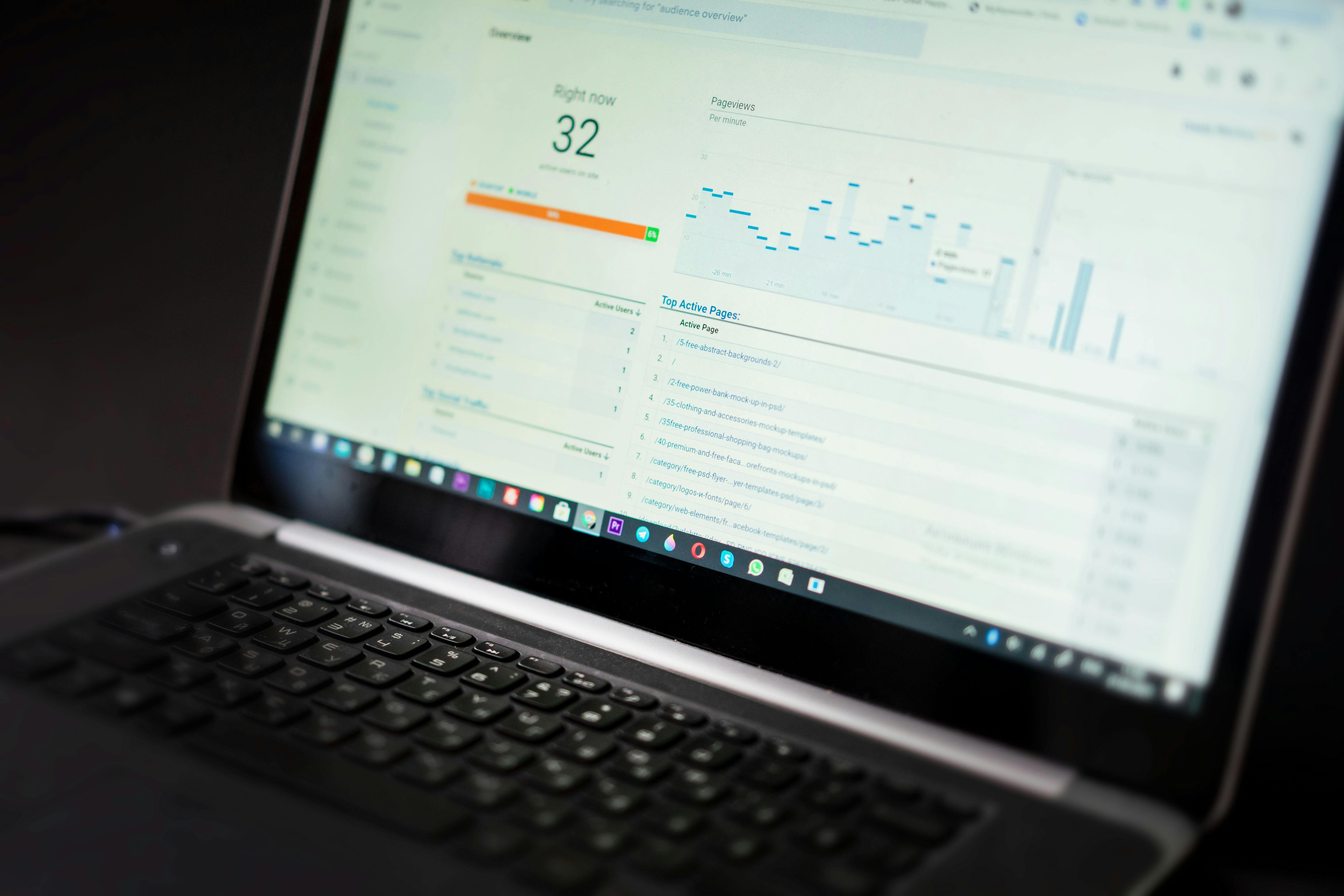
Deep Dive: Decoding Core Web Vitals for 2026
To optimize your site, you must understand the three specific metrics Google uses to judge your "page experience."
1. Largest Contentful Paint (LCP)
LCP measures how long it takes for the largest element on the screen (usually a hero image or a heading) to become visible. A slow LCP is often caused by slow server response times or unoptimized images. To fix this, you need aggressive server-side caching and a reliable Content Delivery Network (CDN).
2. Interaction to Next Paint (INP)
Replacing the old First Input Delay, INP measures how responsive your site is when a user clicks a button or interacts with a menu. If your site has too much heavy JavaScript running in the background, the user will experience "lag." Professional optimization involves delaying or removing non-critical scripts so the browser can focus on user interaction.
3. Cumulative Layout Shift (CLS)
Have you ever tried to click a link, only for the page to jump and cause you to click an ad instead? That is CLS. It happens when images or fonts load without defined dimensions. Fixing this requires technical precision in your theme’s CSS to ensure the layout remains stable as elements load.
The Performance Workflow: From Sluggish to Seamless
Achieving a 90+ score on Google PageSpeed Insights isn't about one single trick. It is a series of strategic technical improvements.
- Image Optimization: High-resolution images are the primary cause of slow pages. We implement modern formats like WebP or Avif and use "lazy loading" so images only download when they are about to enter the viewport.
- Database Optimization: Over time, your database fills up with post revisions, expired transients, and overhead. A bloated database slows down every query, leading to high Time to First Byte (TTFB). Regular cleaning is essential.
- Code Minification and Concatenation: We strip out unnecessary characters from your CSS and JavaScript files and combine them to reduce the number of HTTP requests the browser has to make.
- Advanced Caching: Beyond simple page caching, we utilize Object Caching (like Redis) to speed up database-heavy sites like WooCommerce stores.

Common Performance Mistakes
Relying on "All-in-One" Performance Plugins
Many popular plugins promise to fix everything with one click. In reality, these can often conflict with your theme, breaking layout elements or causing "ghost bugs" in your checkout flow. Performance requires a tailored configuration.
Ignoring the Mobile Experience
It is easy to check your site on a high-speed office desktop and assume it is fast. However, Google ranks you based on mobile performance. A site that feels "okay" on a 5G connection might be unusable on a 4G or 3G signal.
Hosting on Underpowered Servers
You cannot optimize your way out of bad hosting. If your server takes 2 seconds just to respond (TTFB), no amount of plugin tweaking will make your site fast. This is why WordPress Hosting Migration Without Downtime is often the first step in a performance overhaul.
Pro Tips for Sustained Speed
- Use a Lightweight Theme: Start with a foundation built for speed (like GeneratePress or a custom headless setup) rather than a feature-heavy multipurpose theme.
- Monitor Your Third-Party Scripts: Tracking pixels, chat widgets, and embedded videos are performance killers. Audit these monthly and remove anything that isn't providing clear ROI.
- Implement Edge Caching: Use services like Cloudflare to serve your entire HTML page from a server physically close to your visitor.
How WP Stability Accelerates Your Growth
At WP Stability, we don't just aim for "better." We aim for "best-in-class." Our performance optimization service involves a deep audit of your entire WordPress stack. We look at everything from your PHP configuration to the way your CSS is prioritized.
By focusing on WordPress Performance Optimization and Core Web Vitals, we ensure your site provides the frictionless experience that modern users demand. We handle the technical complexity of minification, critical CSS generation, and database tuning so you can focus on your conversion rates.

Real-World Example: The WooCommerce Speed Boost
An e-commerce client came to us with an average page load time of 6.5 seconds. Their mobile bounce rate was over 70%. After we optimized their image delivery, implemented Redis caching, and cleaned up years of database bloat, the load time dropped to 1.8 seconds. Their mobile conversion rate increased by 22% in the first month alone.
Action Plan for a Faster Site
- Run a Baseline Test: Use Google PageSpeed Insights and record your mobile score.
- Audit Your Images: Identify the largest images on your homepage and compress them.
- Clean Your Database: Delete old revisions and spam comments.
- Check Your Hosting: If your TTFB is over 500ms, it is time to upgrade.
- Schedule Professional Optimization: Performance is a moving target. Having an expert manage your speed ensures you stay ahead of the competition.
Closing CTA
A fast website is a competitive advantage. In a world where everyone is fighting for attention, speed is the simplest way to show your customers that you value their time.
Is your WordPress site lagging behind? Don't let a slow site hold your business back. Let the experts at WP Stability optimize your performance and crush your Core Web Vitals goals today.
Share
Related posts
WordPress Performance Optimization
Performance at Scale: The Engineer's Guide to WordPress Speed Optimization
WordPress Performance Optimization
The Silent Speed Killer: Optimizing WordPress admin-ajax.php Performance
WordPress Performance Optimization