WooCommerce Support·
Revenue at Risk: The Business Owner’s Guide to WooCommerce Stability and Scaling

Karl Esi
WordPress Engineer & Founder·WP Stability
The High Stakes of E-commerce Stability
For a standard blog, a few minutes of downtime is an inconvenience. For a WooCommerce store, it is a direct loss of revenue. Every second your checkout page takes to load, or every time a payment gateway fails to initialize, a customer is walking away from their cart. In the world of e-commerce, stability is not just a technical metric; it is the heartbeat of your cash flow.
As we move through 2026, the complexity of running a successful store has only increased. With the integration of AI-driven recommendations, complex shipping logic, and multi-channel syncing, the load on your WordPress database is heavier than ever. Without a dedicated WooCommerce Stability and Scaling Guide 2026 strategy, your store is likely underperforming.
The Problem: Why WooCommerce Sites Struggle Under Pressure
Unlike static pages, WooCommerce is highly "dynamic." This means every time a user adds an item to their cart or applies a coupon, the server has to perform complex calculations and database lookups. Standard caching methods that work for a basic website often fail here because the cart and checkout pages cannot be cached.
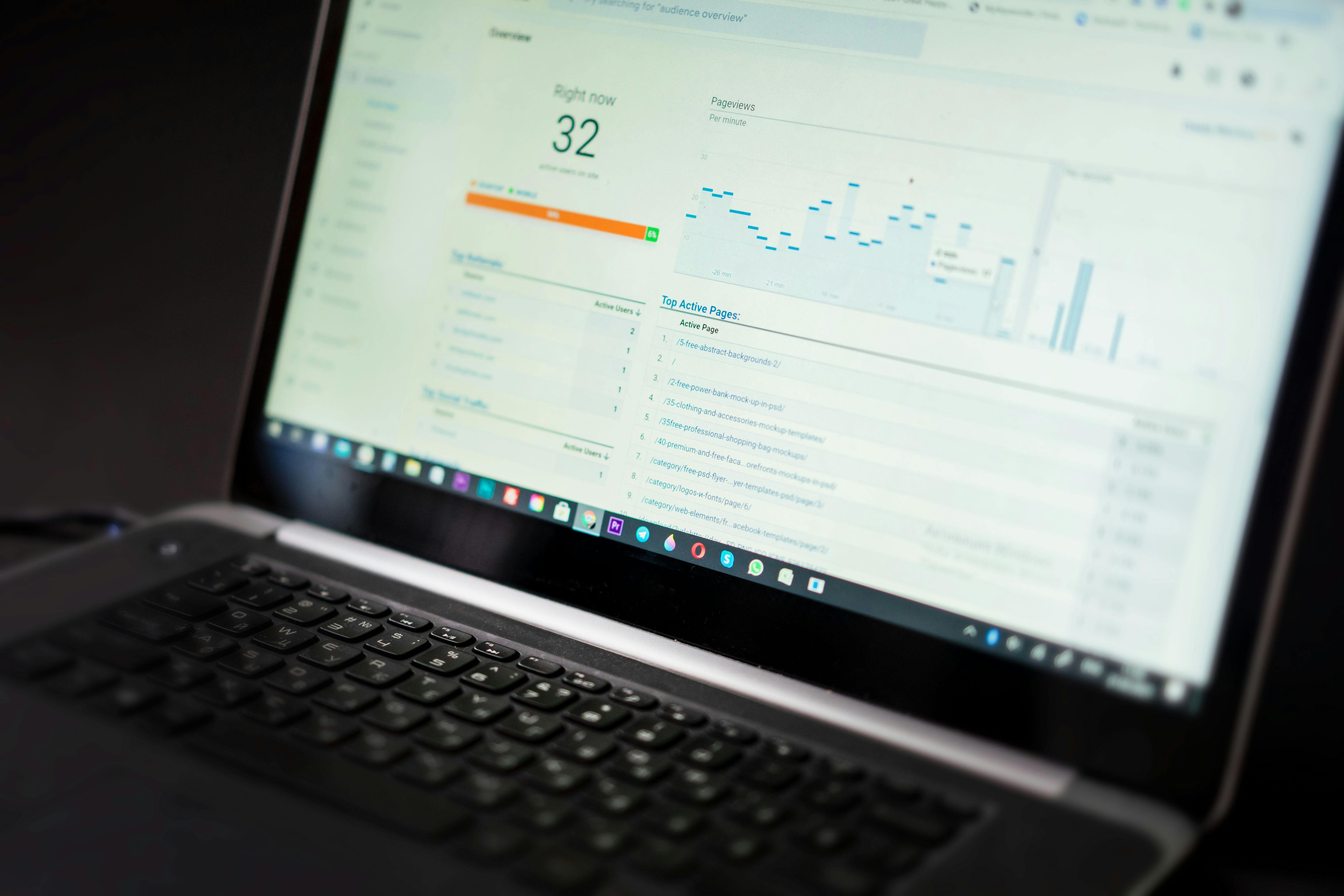
When traffic spikes—whether from a social media shoutout or a seasonal sale—these dynamic requests pile up. If your server and database aren't optimized, the site will slow to a crawl, leading to the dreaded "504 Gateway Timeout" right when you should be making the most money.
Deep Dive: The Critical Failure Points in WooCommerce
1. Database Bloat and Slow Queries
Every order, customer note, and transient (temporary data) is stored in your database. Over time, the wp_options and wp_postmeta tables can grow to unmanageable sizes. When a customer searches for a product, a bloated database takes longer to return results. Professional WooCommerce Support and Store Optimization Guide workflows prioritize database indexing and regular cleanup to keep queries lightning-fast.
2. Payment Gateway and API Conflicts
Your store relies on a web of external connections: Stripe, PayPal, ShipStation, and tax calculation services. If any of these APIs fail or if a plugin update breaks the connection, your checkout becomes a dead end. Monitoring these "handshakes" is vital to ensuring that "Place Order" actually results in a sale.
3. Faulty Plugin Logic
E-commerce owners often stack plugins for every small feature—upsells, countdown timers, and loyalty points. Many of these are poorly coded and execute heavy scripts on every single page load. Auditing your plugin stack to ensure they are compatible with the latest version of WooCommerce is a non-negotiable part of maintenance.
4. Image Handling for High Conversion
Product galleries are essential, but they are often the heaviest part of the page. If your product images aren't correctly sized and served via a CDN, your mobile users will experience significant lag, leading to high bounce rates before they even see your "Add to Cart" button.

Scaling for Success: Preparing for Viral Traffic
Scaling isn't just about bigger hosting; it's about smarter architecture. To handle thousands of simultaneous visitors, you need to implement several advanced strategies:
- Object Caching (Redis/Memcached): This stores the results of frequent database queries in the server's memory, allowing WooCommerce to retrieve data almost instantly without hitting the disk.
- Elasticsearch for Product Discovery: As your catalog grows to hundreds or thousands of items, standard WordPress search becomes slow. Moving search functionality to a dedicated engine like Elasticsearch keeps your store snappy.
- Load Balancing: For enterprise-level stores, distributing traffic across multiple servers ensures that if one node fails, the store stays online.
- Staging Environments for Testing: Never "live test" a new promotion or plugin on your production store. Use a staging site to verify that WordPress Update Compatibility and Staging Workflow protocols are met before going live.
Common E-commerce Mistakes to Avoid
Ignoring Abandoned Cart Data as a Technical Sign
High cart abandonment isn't always a marketing problem; it's often a technical one. If your checkout page takes more than 2 seconds to load on mobile, users will assume the site is broken or insecure.
Neglecting Mobile Responsiveness
In 2026, the majority of e-commerce happens on mobile devices. If your "Add to Cart" button is hard to tap or your menus overlap on smaller screens, you are leaving money on the table.
Skipping Regular Security Audits
WooCommerce stores are high-value targets for hackers because they contain sensitive customer data. A breach can lead to devastating legal liabilities and the loss of your payment processing merchant account.

How WP Stability Protects Your Revenue
At WP Stability, we understand that for e-commerce owners, "uptime" equals "income." Our WooCommerce-specific support goes beyond basic updates. We perform deep-level performance tuning, monitor your checkout flow 24/7, and ensure your database is lean and responsive.
Whether you are preparing for a Black Friday surge or dealing with a mysterious bug in your shipping calculations, our team provides the expert-level intervention needed to keep your store running at peak efficiency. We treat your store’s stability as our primary mission.
Real-World Example: The 10x Traffic Spike
A boutique clothing brand was featured on a major news segment, leading to a 1,000% increase in traffic in under ten minutes. Because they were on a managed scaling plan with WP Stability, their server resources auto-scaled, their Redis caching handled the database load, and not a single order was dropped. They processed more revenue in three hours than they had in the previous three months.
Action Plan: 5 Steps to Audit Your Store Today
- Test Your Checkout on 4G: Disable Wi-Fi on your phone and try to buy a product. If it feels slow, your customers feel it too.
- Check Your Error Logs: Look for "Fatal Errors" or "Timeout" warnings in your WooCommerce status report.
- Review Your Plugins: Remove any marketing plugins that you aren't actively using for a campaign.
- Optimize Your Images: Ensure all product images are under 100KB and served in WebP format.
- Secure Your Data: Ensure you have a daily, off-site backup that includes your entire database of orders and customers.
Closing CTA
Your WooCommerce store should be a well-oiled machine, not a source of constant stress. By investing in professional stability and scaling, you protect your revenue and provide the seamless experience your customers deserve.
Ready to bulletproof your online store for the next traffic surge? Let WP Stability handle the technical heavy lifting so you can focus on making sales.
Share