Hosting & Migrations·
Moving Without Breaking: The Strategic Guide to WordPress Hosting and Migrations

Karl Esi
WordPress Engineer & Founder·WP Stability
The Migration Fear: Will My Site Survive the Move?
The decision to change hosting providers is usually born out of necessity. Perhaps your current host is slow, your support tickets go unanswered for days, or your site crashes every time you send an email newsletter. But for most business owners, the thought of a migration is terrifying. The fear of "broken links," "lost emails," or the dreaded "404 Not Found" during a DNS propagation period is enough to keep them stuck on a subpar server for years.
In 2026, your hosting is more than just a place where your files live; it is the engine of your digital business. A poor hosting environment acts as a ceiling on your growth. If you are outgrowing your current setup, a migration is not just a technical chore—it is a strategic upgrade that can unlock better SEO, faster load times, and higher security.
The Problem: Why DIY Migrations Often End in Disaster
Most people assume a migration is as simple as moving files from Folder A to Folder B. However, WordPress is a complex database-driven application. A "quick move" often results in serialized data corruption, broken image paths, or "mixed content" warnings where your site is no longer fully secure over HTTPS.
Furthermore, the "DNS gap"—the period while the rest of the world is still looking at your old server while you are looking at your new one—can lead to "split-brain" data. This is where a customer places an order on your old site while you are busy configuring the new one, resulting in a lost transaction that never makes it to your fulfillment team. This is a primary risk addressed in our WordPress Hosting Migration Without Downtime guide.
The Shift: From "Cheap Space" to Managed Infrastructure
The shift toward a professional hosting strategy happens when you stop shopping for the lowest price per month and start shopping for "Time to First Byte" (TTFB) and "Auto-Scaling" capabilities. In a professional environment, your hosting is optimized specifically for the PHP and MySQL requirements of WordPress, rather than being a generic "one size fits all" server.
Moving to a managed environment means you no longer have to worry about server-level security patches or whether your version of OpenSSL is outdated. You move from being a "server admin" back to being a "business owner."
Deep Dive: The Professional Migration Workflow
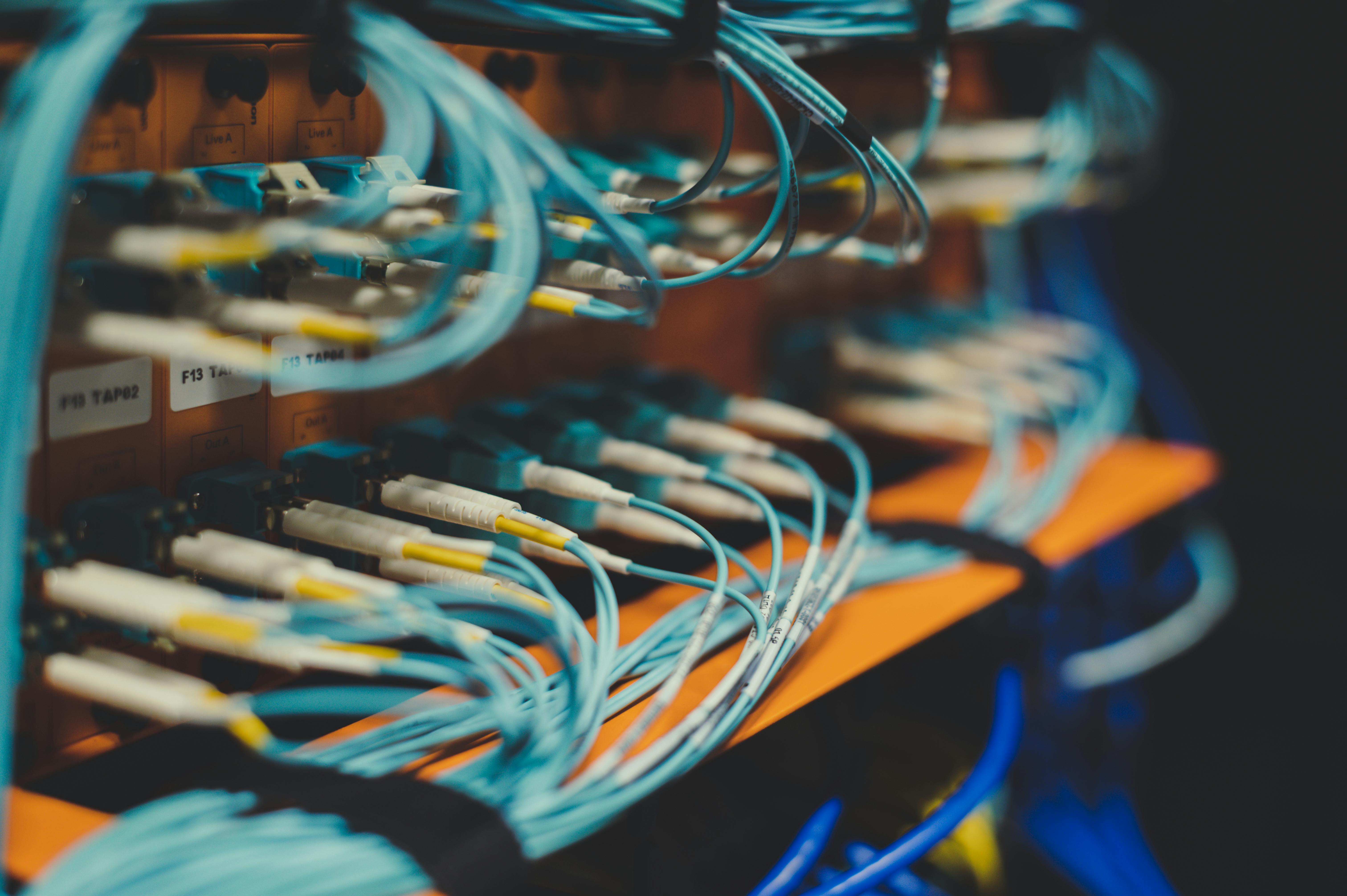
To move a site without a single second of downtime, we follow a strict "zero-loss" protocol.
1. The Pre-Migration Audit and Cleanup
We never move a "dirty" site. Before the migration begins, we audit the existing site for malware, broken database tables, and unnecessary bloat. Moving a site to a faster server won't fix a broken plugin; it will only make it fail faster. We ensure the site is healthy before the first file is copied.
2. Staging Environment Deployment
The site is first migrated to a private "Staging" URL on the new server. This allows us to test every page, every form, and every checkout process in the new environment without the public ever seeing it. We check for PHP version compatibility and ensure the new server's firewall is not blocking legitimate API requests.
3. Database Sync and Search-and-Replace
WordPress stores URLs as absolute paths in the database. When you move a site, these paths often need to be updated. We use professional tools to perform a "Search and Replace" on serialized data, ensuring that your internal links and image paths don't point back to the old server or a dead staging URL.
4. Zero-Downtime DNS Transition
The secret to a "invisible" move is the DNS TTL (Time to Live) adjustment. We lower the TTL values days in advance, allowing for a near-instant switch. By using a "Proxy" or "Cloudflare" layer, we can point traffic to the new server the moment we are ready, ensuring that no visitor ever sees a "Server Not Found" error.

Choosing the Right Hosting Architecture for 2026
Not all hosting is created equal. Depending on your business goals, you should be looking for specific features:
- Edge Computing Support: The ability to serve your site's static assets from the "Edge," reducing the physical distance between your data and your user.
- Isolated Resources: Unlike shared hosting, where a neighbor's traffic spike can slow you down, professional hosting provides dedicated CPU and RAM for your site.
- Automated Staging: The ability to create a "clone" of your site with one click so you can test updates safely.
- Server-Side Caching: Built-in integration with tools like Nginx, Varnish, or Redis, which are far more efficient than any WordPress caching plugin.
Common Migration Mistakes to Avoid
- Migrating During a High-Traffic Period: Never move your site the week of a big product launch or a holiday sale. Even with a professional team, you want a "quiet" window for the transition.
- Forgetting the "Hidden" Data: Many people forget to migrate their "Cron Jobs," their custom .htaccess rules, or their email accounts. A site move that breaks your company's email is a failure.
- Not Updating the SSL Certificate: A new server requires a new SSL handshake. If this isn't pre-configured, your site will show a "Your connection is not private" warning the moment the DNS switches.
- Ignoring Technical SEO: If your new server is significantly slower or has a different IP reputation, your rankings could slip. This is why Technical SEO for WordPress Optimization Guide is a vital part of the migration process.
Pro Tips: Advanced Hosting Strategies
Use a Distributed Hosting Model
In 2026, high-traffic sites are moving toward Edge Computing and Distributed WordPress Hosting 2026. This involves spreading your site across multiple global data centers so that your site remains online even if an entire AWS or Google Cloud region goes down.
Implement a Reverse Proxy
A reverse proxy can help you "mask" your migration. It allows you to serve the new site to a small percentage of users (a "Canary" deployment) before committing to a full 100% switch, allowing you to catch edge-case bugs in a real-world environment.
Real-World Example: The "Lost Order" Migration Recovery
A medium-sized WooCommerce store attempted a DIY migration over a weekend. They moved the files, switched the DNS, and thought everything was fine. On Monday, they realized that 40 orders placed during the "propagation" window were missing because they were saved to the old server's database.
The Solution:
- Data Merge: We had to manually export the missing orders from the old server and "inject" them into the new database without breaking the sequential order IDs.
- DNS Correction: We correctly configured their Cloudflare settings to ensure no further "leaks" occurred.
- Audit: We verified that all tracking pixels and payment webhooks were pointing to the correct new endpoints.
The Result: The lost data was recovered, and the store was stabilized. The owner decided to move to a managed support plan to ensure their next upgrade would be handled by professionals.
Action Plan: Preparing for Your Next Move
- Audit Your Current Load Time: Use a tool to see your current "Time to First Byte." If it is over 500ms, your host is the bottleneck.
- Inventory Your Assets: Make a list of every subdomain, email account, and third-party API that connects to your current server.
- Lower Your DNS TTL: Set your TTL to 300 seconds (5 minutes) at least 48 hours before you plan to move.
- Check Your PHP Version: Ensure your new host supports the latest stable version of PHP (8.2+) to ensure your site stays fast and secure.
Closing CTA: Move to a Better Future with WP Stability
Your website deserves a home that supports its growth, not a server that holds it back. Whether you are fleeing a bad hosting experience or moving toward a more powerful architecture, a migration should be an exciting milestone, not a source of anxiety.
At WP Stability, we take the "fear" out of migrations. We handle the technical complexity, the database syncing, and the DNS transitions to ensure your move is seamless and successful. Don't let a bad host stay between you and your customers. Contact us today to discuss your migration project and let us move you to a faster, more stable future.
Share