Hosting & Migrations·
WordPress Hosting & Migrations: The Stress-Free Guide to Moving Your Site in 2026

Karl Esi
WordPress Engineer & Founder·WP Stability
The Migration Fear: Why Most Business Owners Hesitate to Move
You know your current host is slow. You are tired of the intermittent "504 Gateway Timeout" errors and the lackluster support that takes 24 hours to respond with a canned answer. Yet, you stay. Why? Because the thought of moving your website feels like trying to move a glass house across a rocky field. One wrong move, and the whole thing shatters.
In 2026, a website migration shouldn't be a source of anxiety. Whether you are upgrading to a managed WordPress environment for better performance or rebranding to a new domain, the process can and should be seamless. The "secret" isn't a magic plugin; it is a rigorous, senior-level workflow that treats your data with the respect it deserves.
The Problem: The Hidden Dangers of a "Bad Move"
Many business owners try to save money by using a free migration plugin and "winging it." This often leads to the three horsemen of migration disasters:
- The SEO Crash: Broken internal links and missing meta data tell Google your site is no longer reliable, causing your rankings to plummet.
- The "Missing Image" Mystery: Files get left behind or paths remain pointed at the old server, leaving your site looking like a construction zone.
- The DNS Limbo: Your domain points to the new server before the files are ready, or worse, your email stops working entirely during the propagation period.
A professional WordPress Hosting and Migration Guide isn't just about moving files; it is about ensuring that your digital presence remains uninterrupted throughout the transition.
The Shift: From Shared "Basements" to Managed Environments
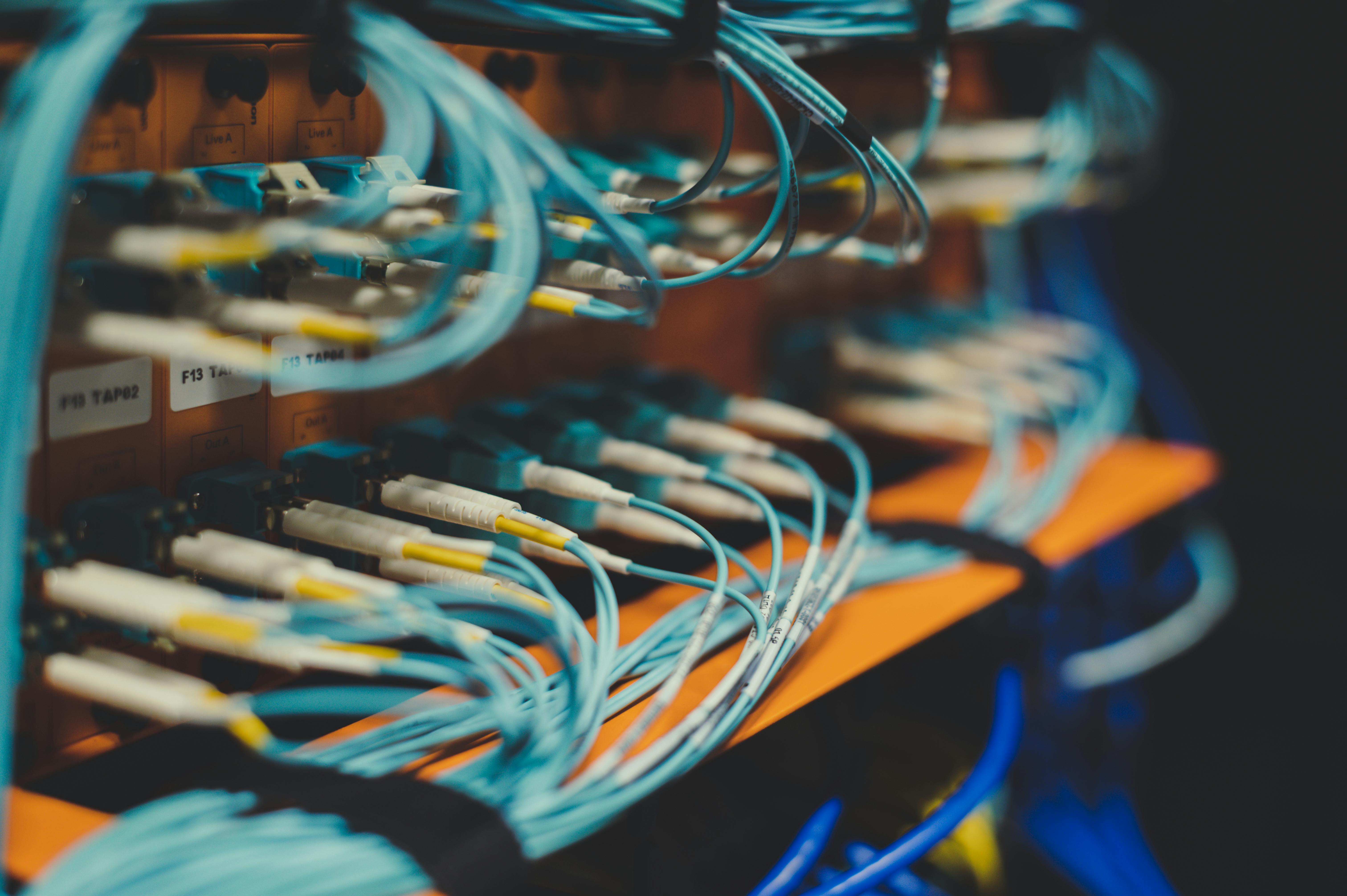
The hosting landscape has evolved significantly in 2026. The era of cramming thousands of sites onto a single shared server is fading. Business owners are now opting for "isolated" environments—VPS or Cloud hosting—where their resources are guaranteed.
The shift toward managed hosting is a move toward peace of mind. When your host understands WordPress at the server level, they handle the updates, the security patches, and the performance tuning. This allows you to stop being a "part-time sysadmin" and go back to being a full-time business owner.
Deep Dive: The Blueprint for a Zero-Downtime Migration
A successful move is 90% preparation and 10% execution. Here is how the experts do it.
1. The Pre-Migration Audit
Before a single file is moved, we audit the current site. This involves cleaning up "digital lint"—deleting old backups, clearing out spam comments, and removing deactivated plugins. A leaner site is a faster, safer site to migrate.
2. The Staging Environment Setup
We never "go live" immediately. We build a clone of your site on a temporary URL at the new host. This allows us to test every button, form, and checkout flow in the new environment while your old site continues to serve your customers perfectly.
3. Database Sanitization and URL Replacement
Moving to a new host often involves changing paths or moving from HTTP to HTTPS. We use senior-level "Search and Replace" tools to ensure every single entry in your database points to the correct location. This prevents the "missing image" and "broken link" issues that plague amateur migrations.
4. The DNS Handshake
The final step is pointing your domain to the new server. By using "TTL" (Time To Live) adjustments, we can ensure that the change happens almost instantly across the globe. We also carefully manage your MX records so your business email never misses a beat during the switch.
Key Benefits of Upgrading Your Hosting
Investing in premium hosting and a professional migration is one of the highest-ROI moves you can make for your business.
- Instant Speed Boost: Moving from a budget host to a high-performance cloud environment can cut your load times in half instantly.
- Superior Uptime: Modern infrastructure uses "auto-healing" technology. If a server node fails, your site is automatically moved to a healthy one.
- Better Security: Managed hosts provide "server-side" firewalls and malware scanning that stop threats before they even reach your WordPress installation.
- Developer Tools: You gain access to staging sites, Git integration, and easy rollbacks—tools that make WordPress Maintenance and Security Hardening much simpler.
Common Migration Mistakes to Avoid
The most common mistake is canceling the old hosting too soon. You should keep your old account active for at least 7 days after the move. This provides a "safety net" in case a specific DNS record or email account was overlooked.
Another mistake is forgetting about SSL certificates. In 2026, a site without a valid SSL is invisible to most users. We ensure your new certificate is installed and verified before the domain is switched over.
Finally, many people fail to test their forms. Just because the site looks right doesn't mean your "Contact Us" or "Order" forms are successfully sending emails from the new server. Professional testing includes a full verification of the site’s "outgoing" mail system (SMTP).

Pro Tips for Senior-Level Hosting Management
To truly master your hosting environment, consider these advanced strategies:
Use a Content Delivery Network (CDN)
Even the best host is limited by the laws of physics. If your server is in New York and your customer is in London, there will be latency. A CDN stores your site’s assets in hundreds of locations worldwide, ensuring a fast experience for everyone.
Implement Redis Object Caching
If your new host supports it, enable Redis. This stores the results of complex database queries in the server's memory, allowing your site to serve pages much faster during high-traffic periods.
Regular "Snapshot" Backups
Beyond your daily backups, take a "snapshot" before any major change. This allows you to revert your entire server environment to a previous state in seconds if an update goes sideways.
How WP Stability Simplifies Your Migration
At WP Stability, we view a migration as a "health check" for your business. We don't just move your files; we optimize them along the way. Our team handles the entire technical heavy lifting—from DNS management to database optimization—ensuring your site arrives at its new home in better shape than when it left.
We specialize in complex moves, including WooCommerce stores and high-traffic membership sites. Our WordPress Backups and Disaster Recovery Strategy is built into every move, ensuring that your data is protected every step of the way.
Real-World Use Case: The Rebranding Success
A growing fintech company needed to move their site to a new domain while simultaneously upgrading their hosting to handle a projected 400% increase in traffic. They were terrified of losing their hard-earned SEO authority.
WP Stability managed the transition. We mapped out over 500 individual 301 redirects, set up a high-performance VPS with edge caching, and executed the move on a Sunday night at 2:00 AM. By Monday morning, the new site was live, the SEO rankings remained stable, and the page load speed improved by 65%. The client didn't lose a single lead during the process.

Action Plan: Your Next Steps for a Better Host
If your site is struggling on its current server, don't wait for a crash to take action:
- Test Your Current Speed: Use a tool like GTmetrix. If your "Time to First Byte" (TTFB) is over 500ms, your host is holding you back.
- Audit Your DNS: Do you know where your domain is pointed and who manages your records? Having this information ready is the first step of any migration.
- Check for "PHP Version" Support: If your current host doesn't support PHP 8.3 or higher, they are leaving your site vulnerable and slow.
- Inventory Your Emails: Make a list of all professional email addresses associated with your domain to ensure they are migrated or reconnected properly.
- Talk to a Professional: A migration is a high-stakes task. Get an expert opinion before you make the move.
Final Takeaways
Your hosting is the foundation of your entire digital business. If the foundation is weak, everything else—your SEO, your marketing, your user experience—will suffer. Moving to a better environment is an investment in your company's growth and stability.
Stop settling for "good enough" hosting. Give your website the home it deserves.
Contact WP Stability for a seamless, expert-led migration that takes the stress out of moving and puts the focus back on your growth.
Share