Comparisons & Alternatives·
The High Cost of 'Free': Why DIY WordPress Maintenance is Killing Your Growth

Karl Esi
WordPress Engineer & Founder·WP Stability
The Moment the Dashboard Becomes a Liability
It starts with a simple notification in your dashboard: "WordPress 7.0 is available! Please update now." You click the button, expecting a five-second refresh. Instead, your screen goes white. Your CSS is mangled, your checkout page is throwing a 500 error, and your latest backup is three weeks old.
This is the "DIY Trap." For many business owners, the appeal of managing their own WordPress site is rooted in cost-savings. If the software is free and the buttons are right there, why pay for a professional service? However, in 2026, the complexity of the WordPress ecosystem has reached a tipping point. What used to be a simple hobbyist platform is now a sophisticated engine of interconnected APIs, AI-driven blocks, and aggressive security requirements.
Managing this yourself isn't just a time-sink; it is a strategic risk. When you handle your own maintenance, you aren't just "updating plugins"; you are acting as your own sysadmin, security officer, and performance engineer. If any of those roles fail, your business stops.
Why Unmanaged WordPress Sites Become Risks
An unmanaged WordPress site is a ticking clock. Because WordPress powers over 40% of the internet, it is the primary target for automated botnets. These aren't hackers in hoodies; they are sophisticated AI scripts that scan millions of sites per hour looking for a single outdated plugin version.
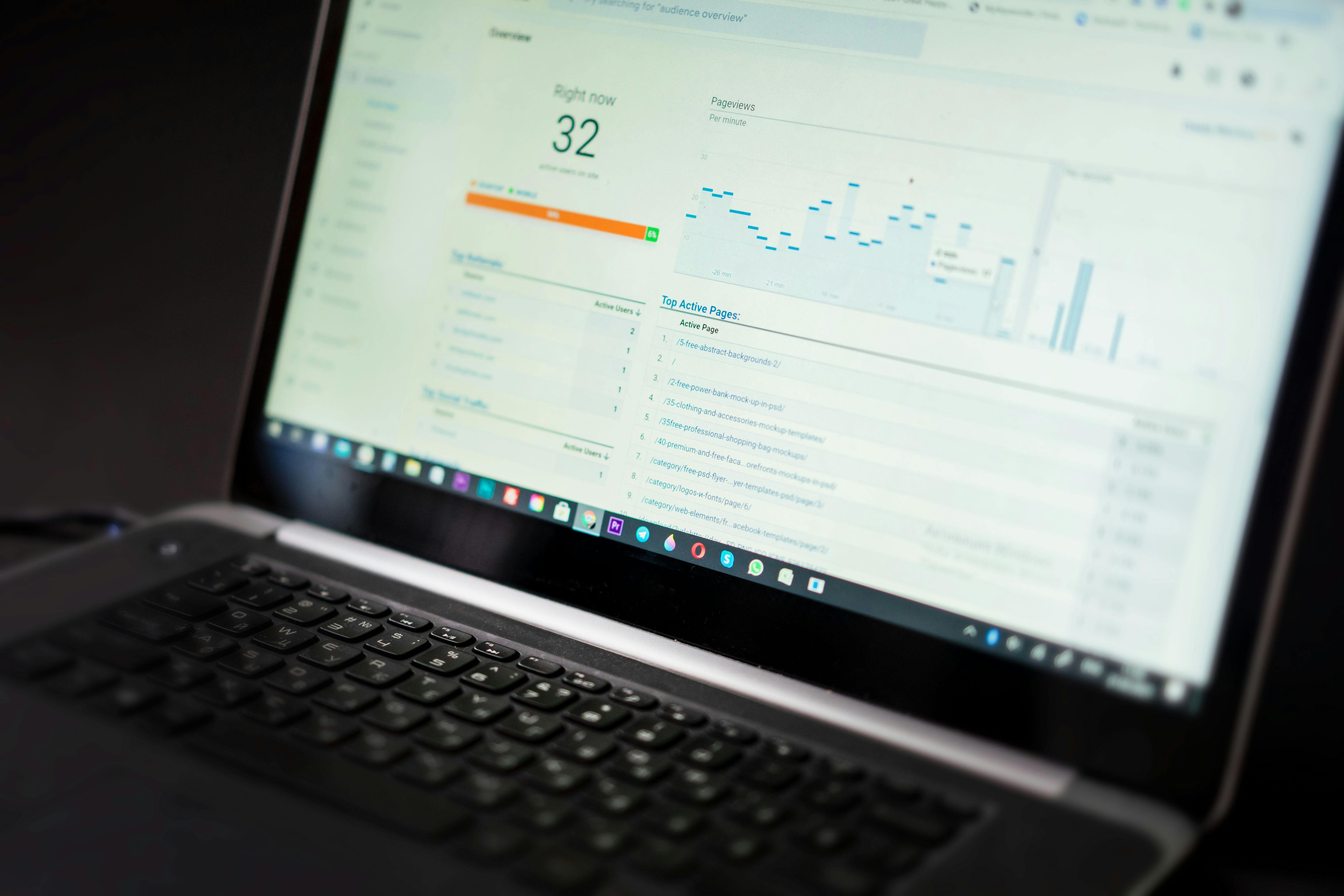
Beyond security, "technical debt" accumulates silently. Every time you add a plugin for a quick feature, you add lines of code that must be executed. Without a professional eye, these layers eventually conflict, slowing your site to a crawl and tanking your WordPress performance optimization and Core Web Vitals scores. For a business, a slow site is a leaky bucket—you spend money on marketing only for visitors to bounce before the page even loads.
The Strategic Shift: From "Fixer" to Business Owner
The most successful entrepreneurs recognize a fundamental truth: you cannot grow a business while you are busy fixing it. The shift from DIY to professional support usually happens after a "Catalyst Event"—a hacked site, a failed update during a product launch, or the realization that you have spent your entire Sunday morning troubleshooting a contact form instead of closing deals.
Moving to a managed service like WPStability isn't just about outsourcing tasks; it is about upgrading your infrastructure. It is the transition from being a reactive "firefighter" to a proactive strategist. By offloading the technical minutiae, you reclaim the mental bandwidth required to actually scale your brand.
Deep Dive: The Pillars of Professional WordPress Stability
To understand the value of professional support, we must look at what actually happens "under the hood" during a standard maintenance cycle.
1. The Staging-First Update Workflow
The biggest mistake DIYers make is updating on a live site. Professionals use a staging environment—a carbon copy of your site where updates are tested first. If a plugin update breaks the layout, it happens on the private copy, not in front of your customers. This ensures that the public-facing version of your business remains pristine.
2. Security Beyond the Firewall
Security isn't a "set and forget" plugin. It involves daily malware scans, real-time activity logging, and server-side hardening. If an exploit is discovered in a popular plugin, professional teams often "virtual patch" the vulnerability before the official fix is even released. This level of defense is what keeps your customer data secure and your brand off Google's blacklist.
3. Database and Asset Optimization
Over time, your database gets bloated with post revisions, expired transients, and "orphaned" data from deleted plugins. A professional service performs routine WordPress troubleshooting and critical error fixes by cleaning the database and ensuring your media assets are served in next-gen formats like AVIF or WebP.
4. Managed Backup Redundancy
A backup on your own server is useless if the server itself fails. Professional maintenance includes off-site, encrypted backups stored in multiple geographic locations. More importantly, these backups are tested regularly to ensure they actually work when needed. In 2026, a backup you haven't tested is a backup you don't have.

Key Benefits: What Happens When Your Site "Just Works"?
The ROI of professional maintenance isn't just measured in the absence of errors; it is measured in the presence of growth. When a site is professionally managed, you see tangible results:
- Higher Search Rankings: Google prioritizes sites that are fast, secure, and consistently updated.
- Increased Conversion Rates: A site that loads in under two seconds and never throws an error builds the "Trust Factor" necessary for customers to enter their credit card details.
- Lower Long-Term Costs: It is significantly cheaper to pay for monthly maintenance than it is to pay an emergency developer $250/hour to clean up a massive malware infection or recover a deleted database.
Common DIY Mistakes to Avoid
Even the most well-meaning DIY owners often fall into these three traps:
- The "Update All" Addiction: Clicking update on 15 plugins at once without checking for compatibility is the fastest way to trigger a "White Screen of Death."
- Ignoring the Logs: Most hacks start with small "probes." If you aren't monitoring your login logs, you won't see the bot that has been trying to guess your password for three days.
- Plugin Overlap: Using three different plugins for SEO or two different caching tools doesn't make your site "double fast"—it creates code conflicts that degrade performance.
Pro Tips for Senior-Level Maintenance
If you are managing your own site for now, implement these senior-level practices immediately to mitigate risk:
- Enforce MFA: Two-factor authentication is the single most effective way to stop unauthorized logins.
- Implement Content Security Policies (CSP): Use a CSP to tell the browser which scripts are allowed to run, preventing cross-site scripting attacks.
- Use a Web Application Firewall (WAF): Place a WAF like Cloudflare in front of your site to filter out malicious traffic before it ever hits your hosting.
- Regularly Audit User Roles: Ensure no one has "Administrator" access unless it is absolutely necessary for their daily work.
How WPStability Restores Your Peace of Mind
At WPStability, we treat your website as the critical business asset it is. We understand that every minute of downtime or slow performance is a direct hit to your bottom line. We move beyond the "plugin-heavy" approach of DIYers and implement a professional, server-level stability framework.
Our team handles the WordPress malware removal and security hardening guide protocols so you don't have to. We act as your technical partner, ensuring that your site is prepared for traffic spikes, protected from threats, and optimized for maximum speed.
Real-World Scenario: The Cost of a Missed Update
A niche e-commerce brand decided to handle their own updates to save a small monthly fee. During their biggest holiday sale, a minor conflict between an outdated theme and a new payment gateway update caused the "Place Order" button to fail for mobile users.
Because they didn't have 24/7 uptime or functional monitoring, they didn't realize the issue until twelve hours later. By then, they had lost an estimated $15,000 in revenue. This is the "Hidden Cost of DIY"—the money you lose when you aren't watching.

Action Plan: Reclaim Your Time Today
Is your DIY approach actually saving you money? Follow these steps to find out:
- Calculate the "Owner Rate": Multiply the hours you spent on technical fixes last month by your actual hourly business value.
- Verify Your Backups: Log in right now and try to "Restore" a backup to a staging site. If you can't, your site is at risk.
- Run a Security Audit: Check your user list for any unknown accounts and verify your WordPress backups and disaster recovery strategy.
- Consolidate Your Stack: Remove any plugin that has not been updated by its developer in the last six months.
Conclusion
You didn't start your business to become a WordPress debugger. Every hour you spend googling "how to fix a 500 error" is an hour stolen from your marketing, your customers, and your vision. In the 2026 digital economy, stability is not an option; it is the foundation of your success.
Ready to leave the stress behind? Contact WPStability today and let's get your site onto a professional stability framework that lets you focus on what you do best.
Share
Related posts
Comparisons & Alternatives
WordPress Maintenance vs. Managed Hosting: Why Kinsta Isn’t Enough for True Stability
Comparisons & Alternatives
WordPress Malware Removal: Why Relying on Wordfence Care Isn't Enough
Comparisons & Alternatives